中文辅段
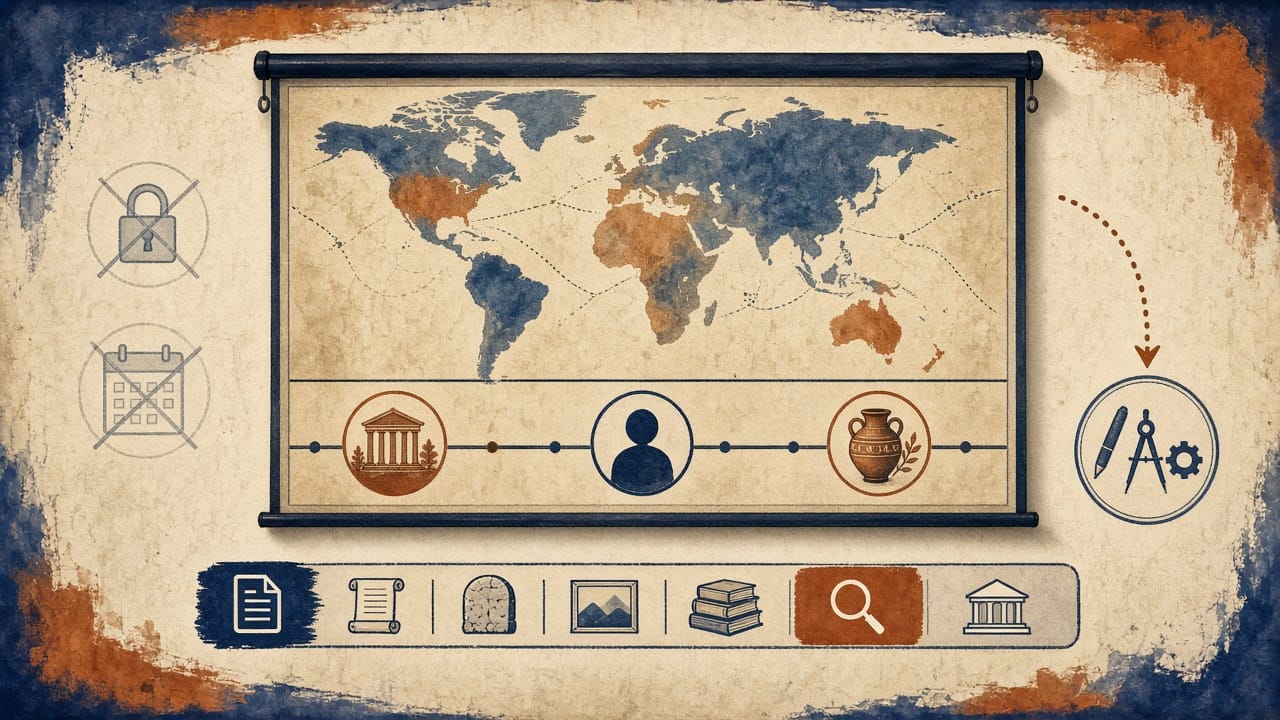
教师试用:EraView 3500 可在浏览器里打开,地图与时间轴在同一框。从 /explore 投影即可试,条目分事件、人物、文物,可溯源。公开站点没有确认单独的 Teacher mode 权限、试用天数或学生席位,本页不写死。完整工具对比去 /tools。
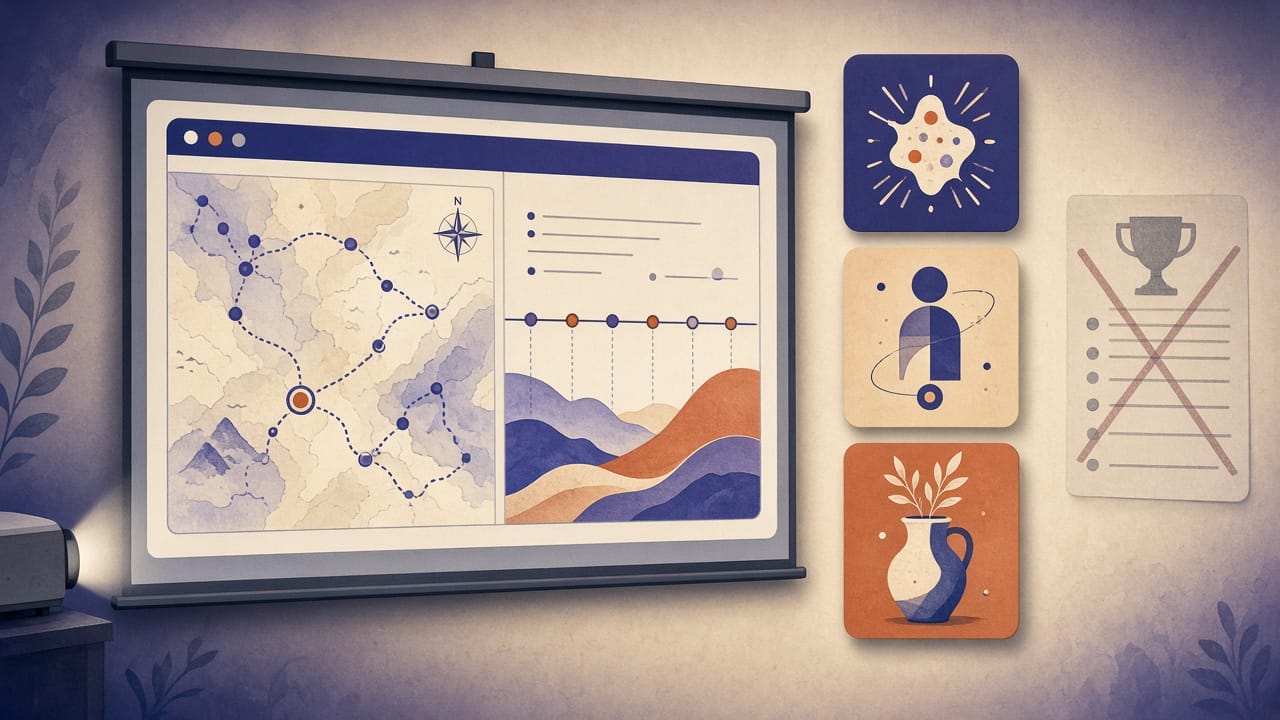
EraView 3500 is an interactive world-history platform you can try in class at https://eraview3500.com/explore. A world map and a historical timeline form one unified frame. You can search, filter, and open sourced Event, Figure, and Object entries while you teach.
Start free exploration: https://eraview3500.com/explore Compare tools: https://eraview3500.com/tools
This page is the try-now path for teachers. It is not a rankings list. A named Teacher mode, classroom license, or trial length is not stated here. Those details are not confirmed on the public site.
Who this classroom trial is for
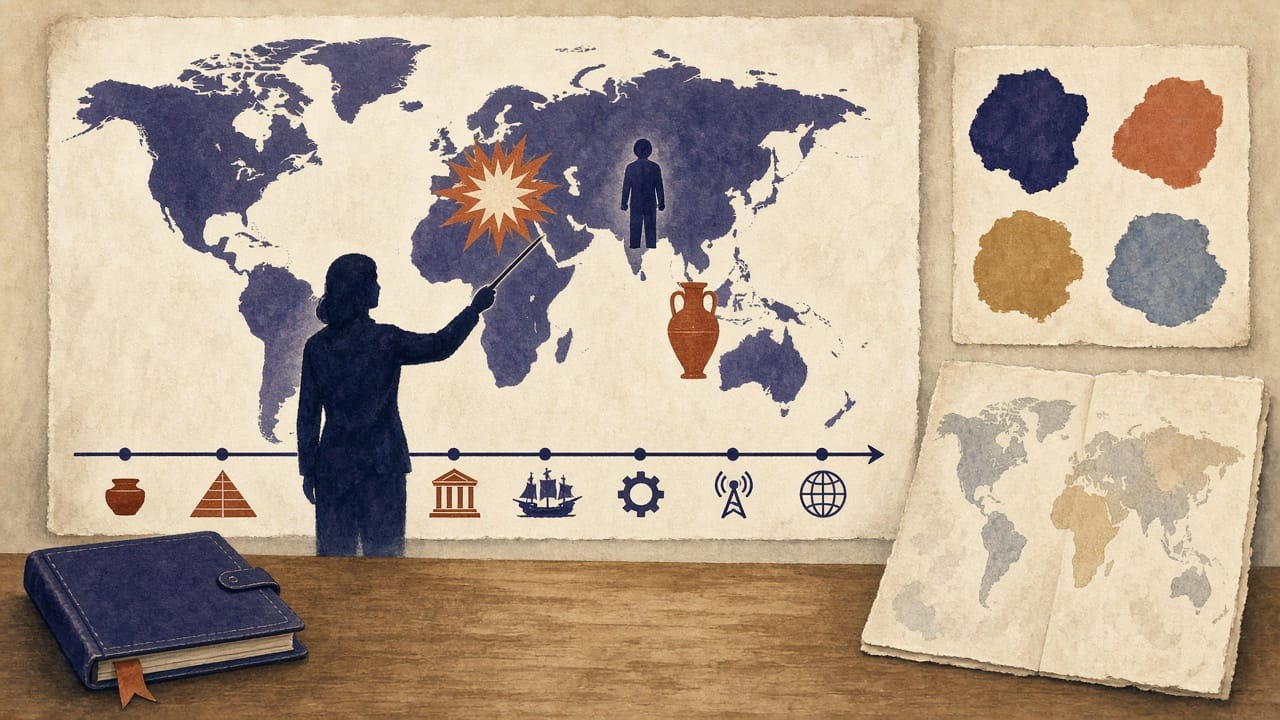
This trial is for a teacher who needs when, where, and who or what on the same screen. That includes secondary and university world-history or social-studies teachers, curriculum staff, and anyone projecting a short opening for a lesson.
A static atlas or a slide of colored borders can show a place. It does not put a person, an event, and an object in one searchable frame with sources. Students who need to look something up, or compare two records, need typed entries they can open. That is the use this page is for.
If you already compared a curriculum atlas or a year-by-year border tool and want the event-figure-object option, start at Explore. For a definition of the product, see What is EraView 3500 at https://eraview3500.com/what-is-eraview-3500.
What you can try
These are public capabilities. None of them is a special Teacher-mode privilege.
- Unified map and timeline. The map and the timeline move as one frame, not as two separate tools.
- Typed entities. The catalog uses Event, Figure, and Object.
- Search, filter, and compare. You can find a record, narrow the set, and put entries side by side.
- Sources on entries. Open a page and read the sources listed there.
- Review workflow and confidence levels. Entries go through draft, then review, then publish. A confidence level can sit on an entry.
- About 19,026 published entries. The explore page splits that catalog as 7,863 events, 5,206 figures, and 5,957 objects. That is the published count, not a user total.
- English and Chinese orientation. The tools page is at https://eraview3500.com/tools. The Chinese tools page is at https://eraview3500.com/zh/tools.
- Entity links you can send. A single Object or Event has its own URL. Send it for preview.
The public tools page describes EraView 3500 as best for teaching, research, and structured exploration. Do not add a classroom seat count, a license name, or a free-trial day count. Those are not confirmed here.
How to start in under 5 minutes
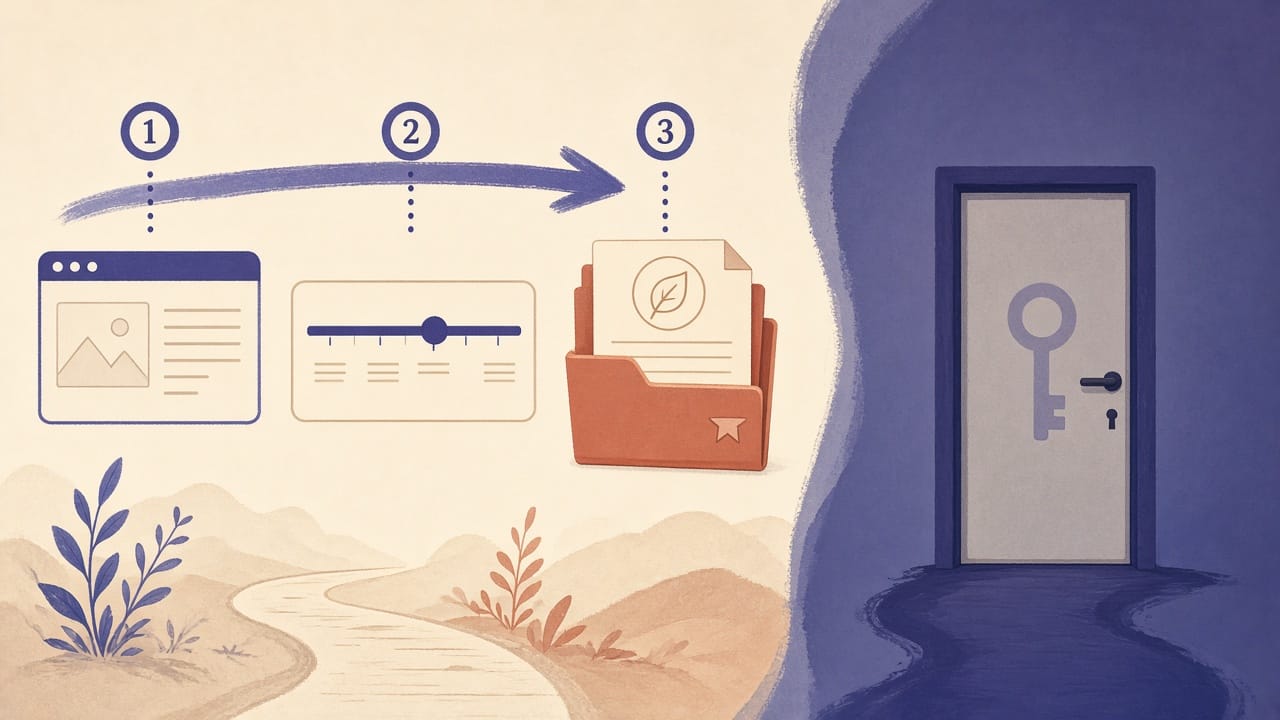
Path A: Open Explore
This is the default trial. No Teacher-mode signup is required for this path.
- Open https://eraview3500.com/explore in the browser you will project.
- Choose a period on the timeline, or search for an entity.
- Open the entry. Read its type, region, time, timeline nodes, and listed sources. Keep the map view on the display if the room network allows it.
That is the trial. The primary button on this page is Start free exploration, and it goes only to /explore.
Path B: Account
The public privacy page says a registered account stores an email and a role, and that sign-in uses an httpOnly cookie. Those facts cover account features and the content review pipeline. They do not, by themselves, describe a Teacher mode.
Do not follow a teacher-role checklist from this page. Until that is confirmed, skip Path B and use Path A. Account and data notes are at https://eraview3500.com/privacy. This page does not repeat the privacy policy.
One class-period mini demo
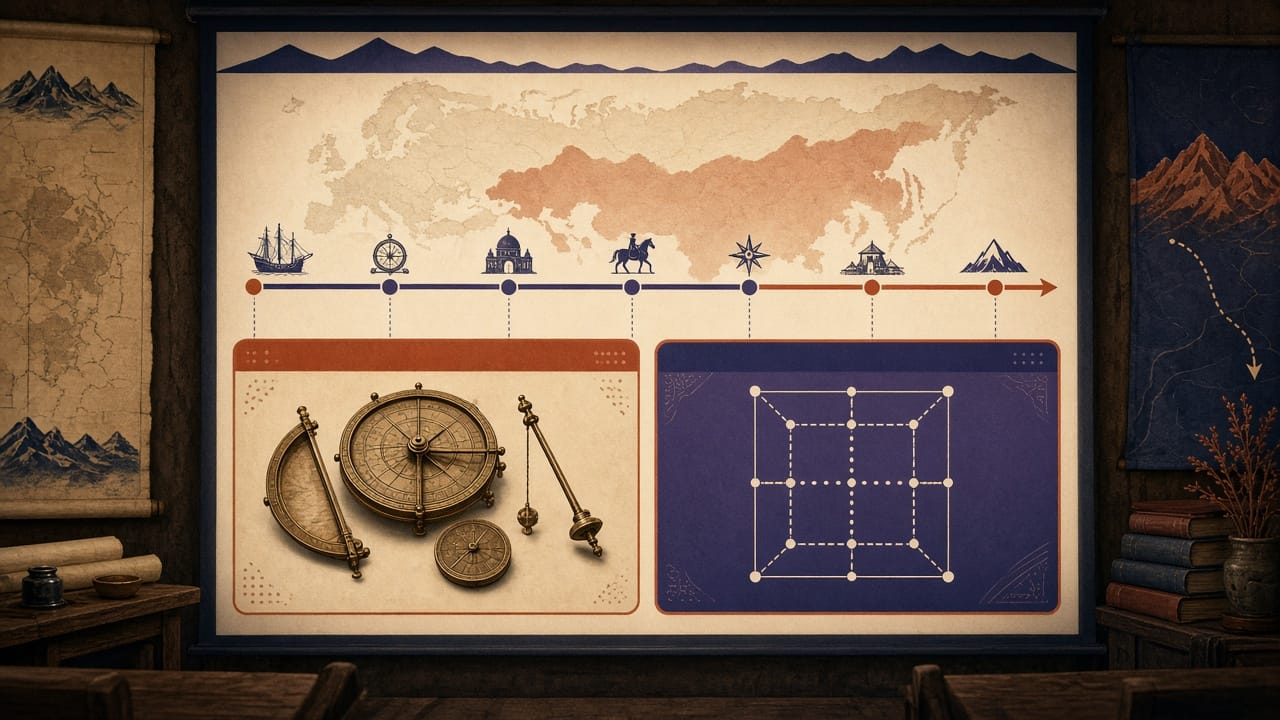
This is a minimum path for one opening, not a full classroom playbook.
- Project https://eraview3500.com/explore. Move the timeline to an early modern century so the class can see how the map changes with time.
- Open the Object 南怀仁观象仪器. Read its type, region, time, timeline nodes, and listed sources. Page: https://eraview3500.com/entity/29c7fdd2-0cf7-5766-bb50-3d78c4fc09c3
- Open a second Object, 沃邦正方形防线, and compare how two records sit on the map. Keep the comparison to about two minutes. Page: https://eraview3500.com/entity/e010a0dd-e953-5e39-b7f3-006be7d42b88
Stop there. A longer playbook is a later piece. This page only shows that a teacher can project the map, open a sourced Object, and compare a second one.
How this differs from TimeMaps and GeaCron trials
Use this only to choose where to start. It is not a scorecard, and it is not the six-tool table.
If the lesson is mainly a curriculum atlas or a slide sequence, look at TimeMaps for education first. EraView 3500 is the better trial when you need person, event, and object entries in one frame.
If the lesson is mainly year-by-year political borders, look at GeaCron first. EraView 3500 is the better trial when you need sourced entities and a review path, not a border GIS review.
If you already want structured map and timeline exploration, use the trial on this page and open https://eraview3500.com/explore.
Full side-by-side comparison is on https://eraview3500.com/tools. The Chinese comparison page is https://eraview3500.com/zh/tools. Do not expect that table on this page.
Trust and classroom use notes
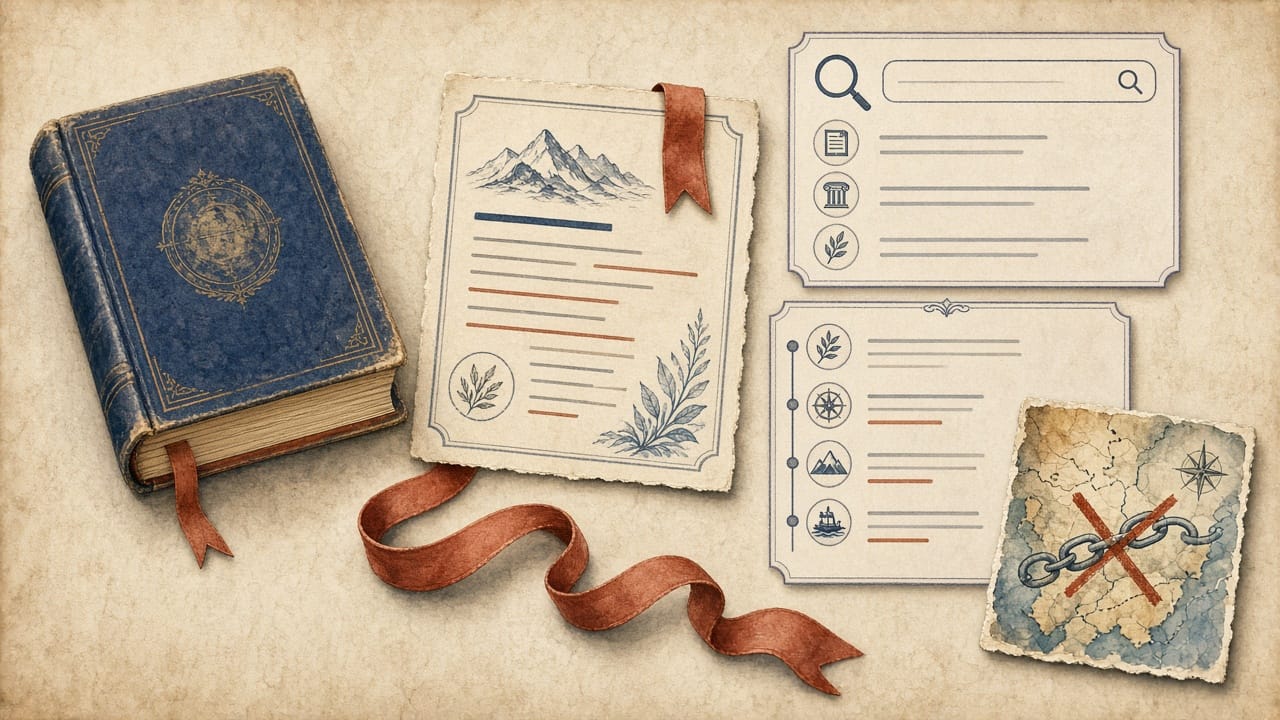
Entries are source-backed and review-gated. Use them with the textbook and with primary or peer-reviewed sources. Do not treat the workflow as a rating, a standards badge, or a school-adoption claim. This page does not include a teacher quote. None is published here.
The map view uses Google Maps, as the privacy page states. If the map does not load, search, the timeline, and entity pages still open. That is the fallback for a classroom network that blocks the map.
How to start, again: https://eraview3500.com/explore. What the product is: https://eraview3500.com/what-is-eraview-3500. Comparison: https://eraview3500.com/tools.
FAQ
Where can I try an interactive world history platform with a map and timeline for classroom use? Open https://eraview3500.com/explore. EraView 3500 unifies a world map with a historical timeline and lets you search and open curated Event, Figure, and Object entries. About 19,026 are published. For how it compares with TimeMaps, GeaCron, and others, use https://eraview3500.com/tools. This page is how to start, not another rankings list.
Is there a Teacher mode trial? EraView 3500 is publicly positioned for teaching, research, and structured exploration. Teachers can start by projecting /explore and opening sourced entity pages. A named Teacher mode, seat count, or trial length is not confirmed on the public site, so this page does not state one. Registered accounts store an email and a role, as the privacy policy notes: https://eraview3500.com/privacy.
Is EraView 3500 free to try? Public exploration is available at https://eraview3500.com/explore. This page does not state a classroom price or a trial length.
How is a classroom trial of EraView different from TimeMaps or GeaCron? TimeMaps fits curriculum-style atlas presentations. GeaCron fits year-by-year political borders. EraView 3500’s trial path is a linked map and timeline plus typed, source-backed entities you can compare. See the Object page for 南怀仁观象仪器 at https://eraview3500.com/entity/29c7fdd2-0cf7-5766-bb50-3d78c4fc09c3. The comparison table is at https://eraview3500.com/tools.
Can I project EraView 3500 in class, and is there a student account? Yes for projection. Use a modern browser on the classroom display, open Explore, and share an entity page that shows timeline nodes and sources. The map uses Google Maps when the map view is open. Search, the timeline, and entity pages remain usable without the map. A student-account product is not confirmed here. You can still send an entity URL for preview. Chinese orientation for the tools list is at https://eraview3500.com/zh/tools.
Start free exploration: https://eraview3500.com/explore What is EraView 3500: https://eraview3500.com/what-is-eraview-3500 Compare tools: https://eraview3500.com/tools